
Understand Home and Content numbers
What followers, views, likes and engagement mean, and how far back you can see.
- Who can do this:
- Everyone on the team
- Plan:
- Every plan, including Free
- Last updated:
Steps
- Step 1:
Open Home and choose a Period: 7 days, 30 days or 90 days.
- Step 2:
Read the totals at the top, then the Growth chart and Top posts in this period.
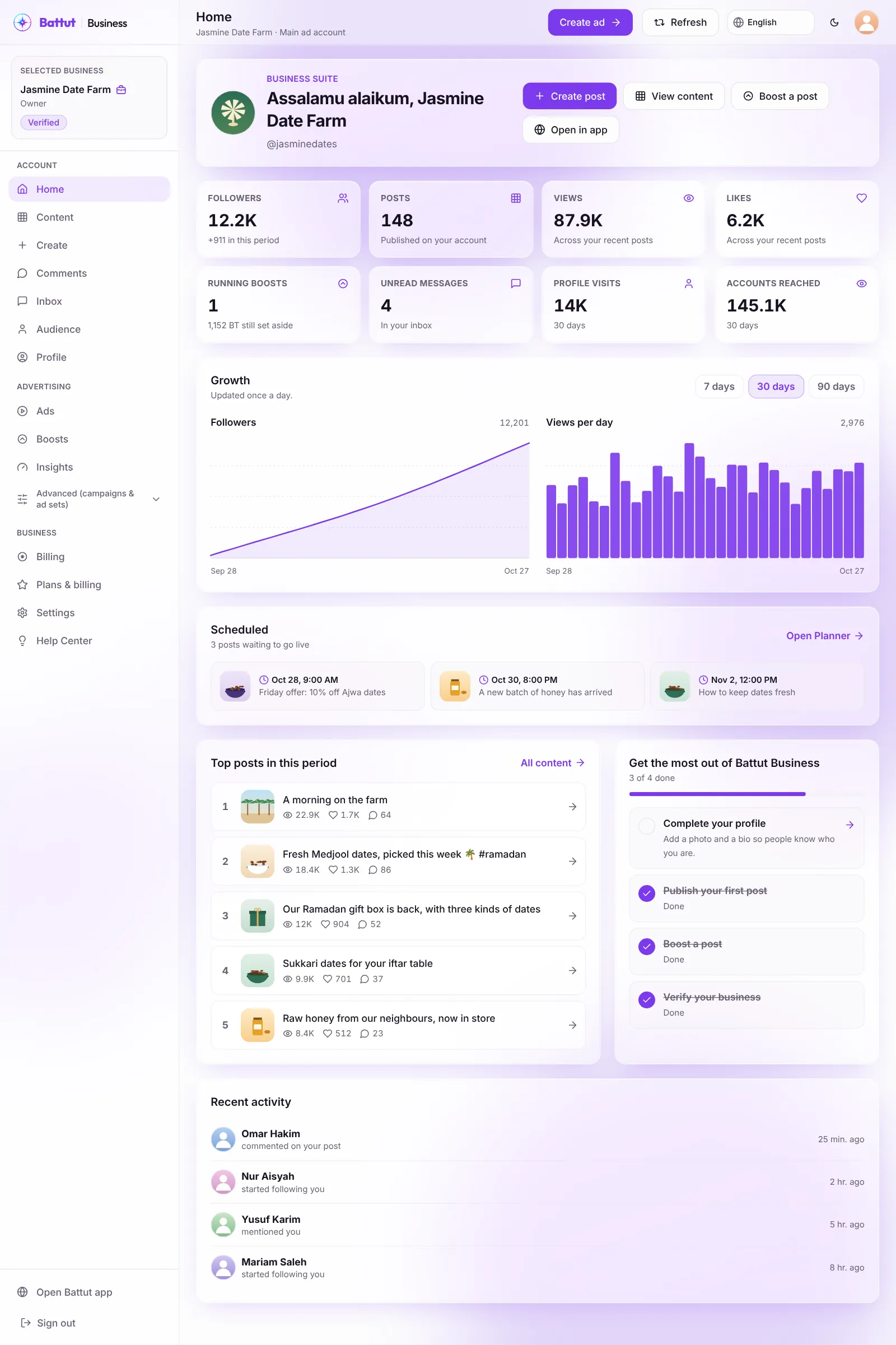
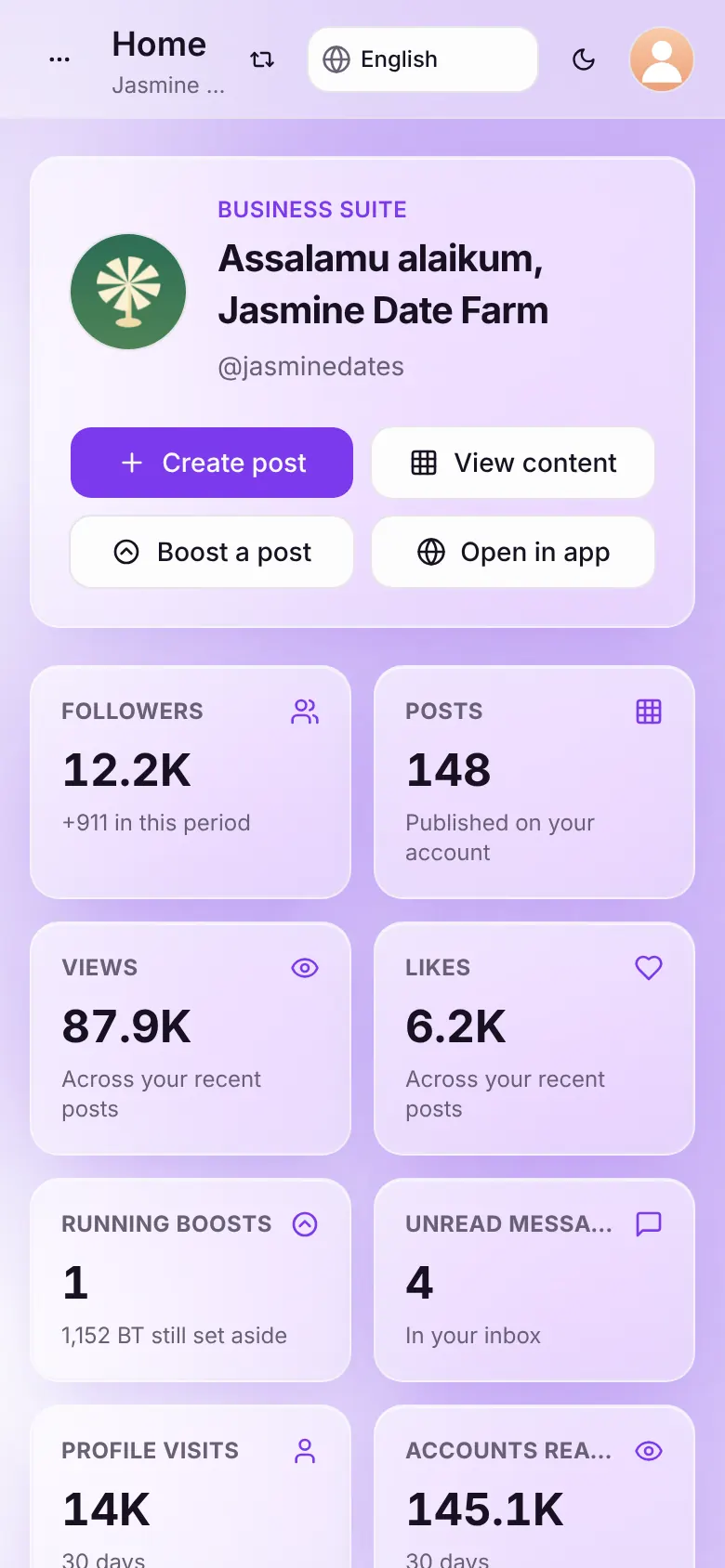
Screenshot:Numbers on Home cover the period you pick.Sample business and numbers. Your screen shows your own. - Step 3:
For one post, open Content and select it to see its Insights.
What each term means
- Followers
- People who follow your account today. The change shows how many you gained or lost in the period.
- Posts
- Posts published on your account.
- Views
- How many times your posts were seen, across your recent posts.
- Likes
- Likes on your recent posts.
- Running boosts
- Boosts delivering now, and the BT still set aside for them.
- Unread messages
- Messages in your inbox you haven’t opened yet.
- Engagement
- Likes, comments, shares and saves for every view.
Related articles
Was this article helpful?